

The platform
One workspace where every part of the work fits.
Mostaad brings projects, agent conversations, analysis, plans, the build, tests and approvals into one place. Context is written once, and everyone — people and agents — works from it.
How the parts fit
Spaces hold projects. Projects hold everything else.
Each project is a complete unit of work with its own application, documents, conversations and team. The Business Center sits beside projects and connects to them only through an approved handoff.
Space and folder
Organise projects by team, department or client. Folders are shared within a space.
Project
An application, a target site, a team and the written record of the work.
Business CenterOptional
Clients, engagements and their work products, for teams that deliver to clients. Visible only to people with a business role.
An approved delivery package can become a project’s requirements baseline
01Projects, spaces and folders
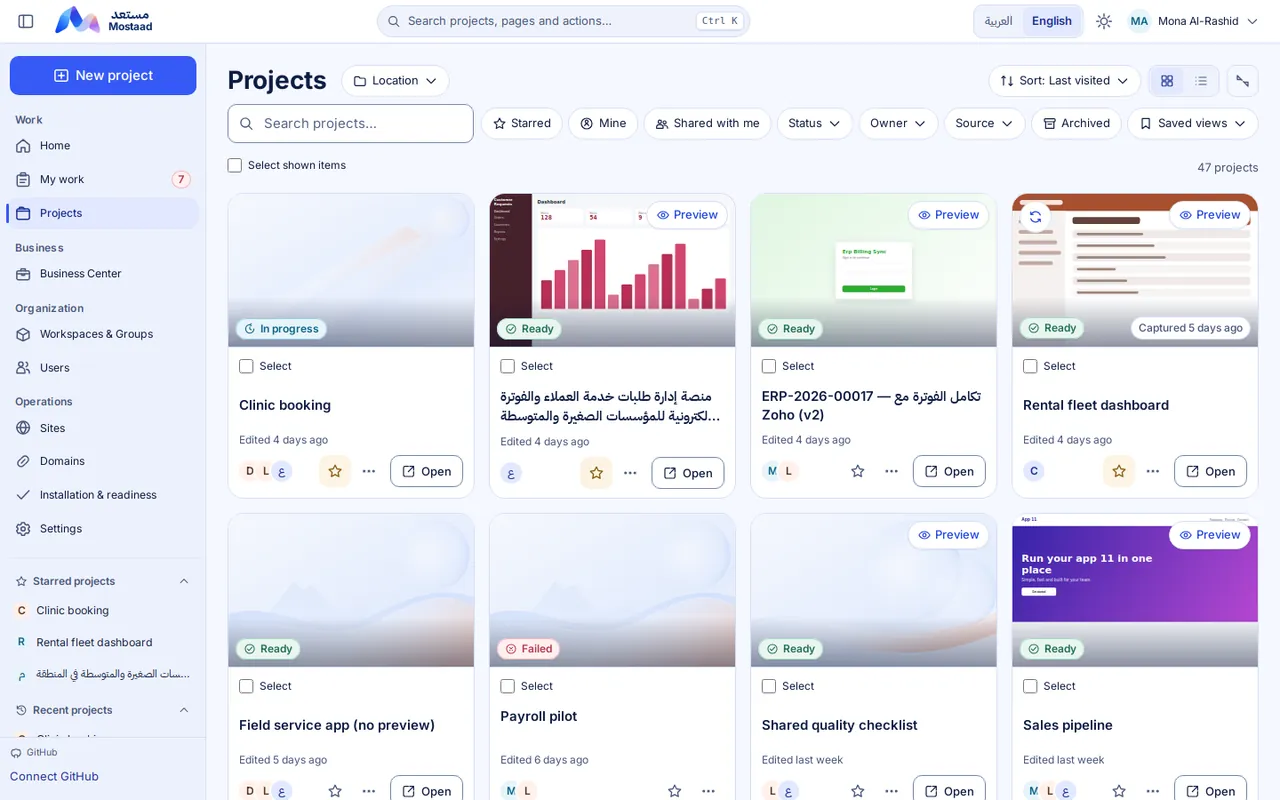
Every project in its place, every task with an owner.
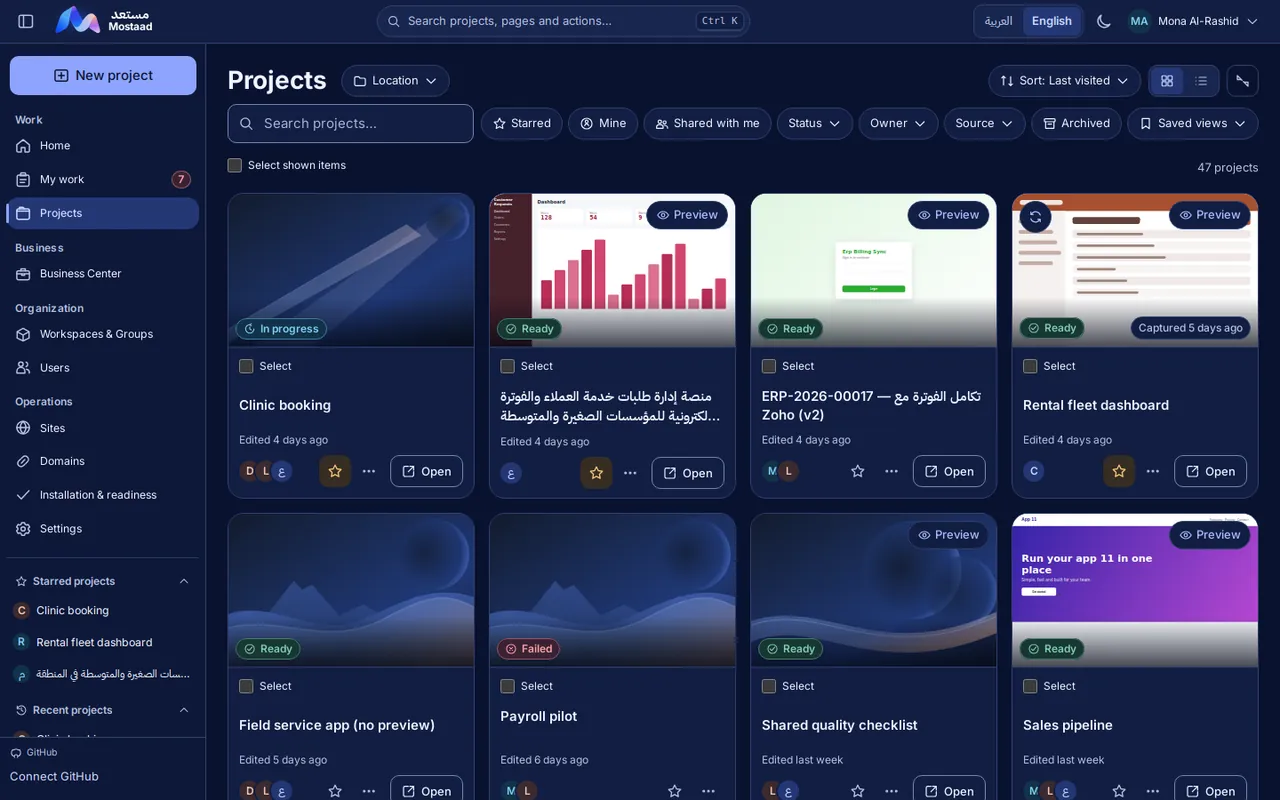
The projects library shows every project you can access, with its status, owner and team. Spaces and folders keep them organised, and My work gathers what is assigned to you.
- Spaces and folders, managed by each space’s managers
- Search, starred, mine, shared and archived filters, remembered per person
- Assignments with due dates, and a personal My work view
- Internal projects start directly — no client or proposal needed
02Agent conversations
Talk to specialised agents, inside the project.
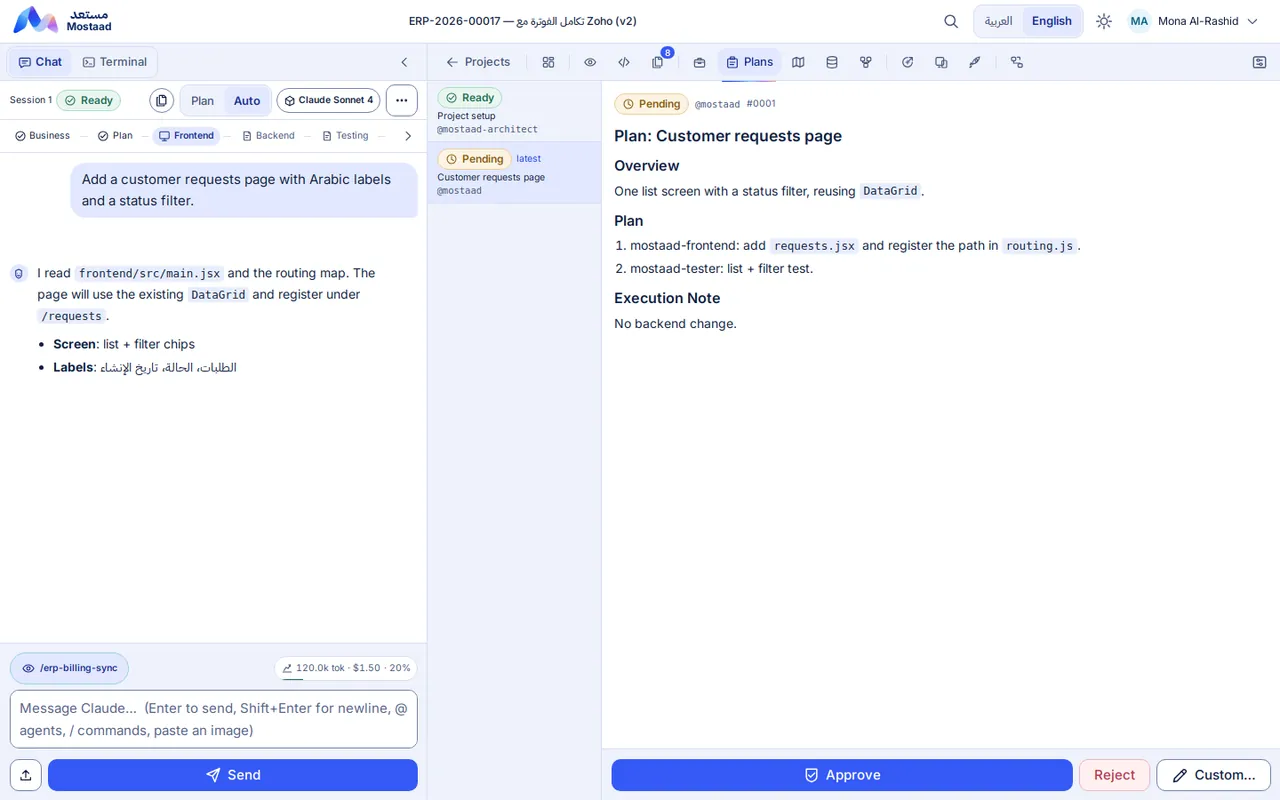
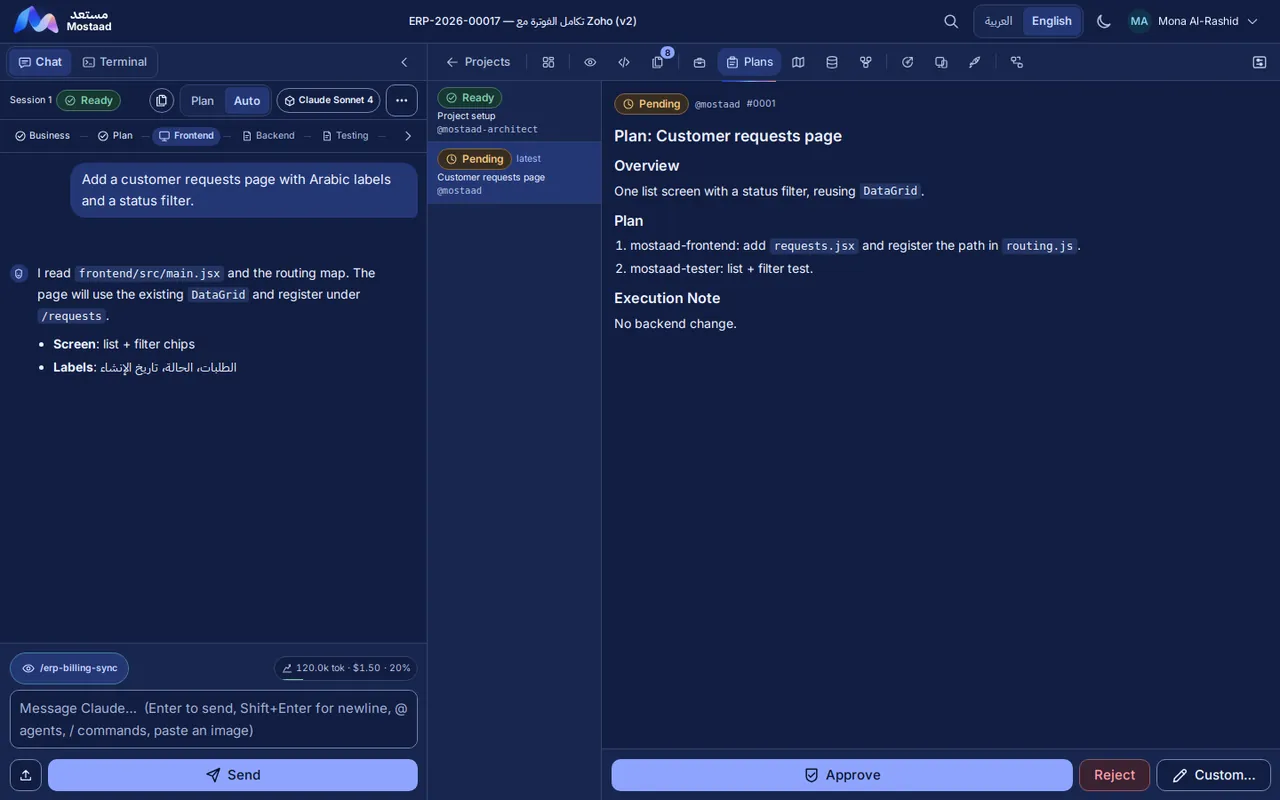
Every conversation belongs to a project, so the agent starts from its application, its documents and its current phase. You choose the agent for the task, attach the files that explain it, and read a written plan before work begins.
- A written plan beside the conversation, to approve or reject
- Files pasted into a conversation stay private to the project
- Agents ask before changing documents you own
Specialised agents
03Business analysis and requirements
Understanding comes first, and it stays written.
The business agent drafts the analysis with you: users and roles, modules, key journeys, data and rules. It becomes the reference the build, the tests and the go-live review are checked against.
- A business analysis you own: edits are proposed, you choose
- A requirements editor and an approved requirements baseline
- Test scenarios derived from the analysis, also owned by you
- Data model, screens and API contract written during planning
04Planning and phases
Choose how the work moves: in phases, or in stories.
Every project runs in one of two modes. Both keep the plan written down, and both wait for a person’s approval before the next step.
Phases (waterfall)
Business, plan, frontend, backend, testing, performance and go-live, in order. The next phase opens only when you click Approve & continue.
Epics and stories (agile)
An epic with its user stories and acceptance criteria. You approve the epic, then open one story at a time. An approved story is locked; changes go into a follow-up story.
05Build and live preview
Watch the result take shape while it is built.
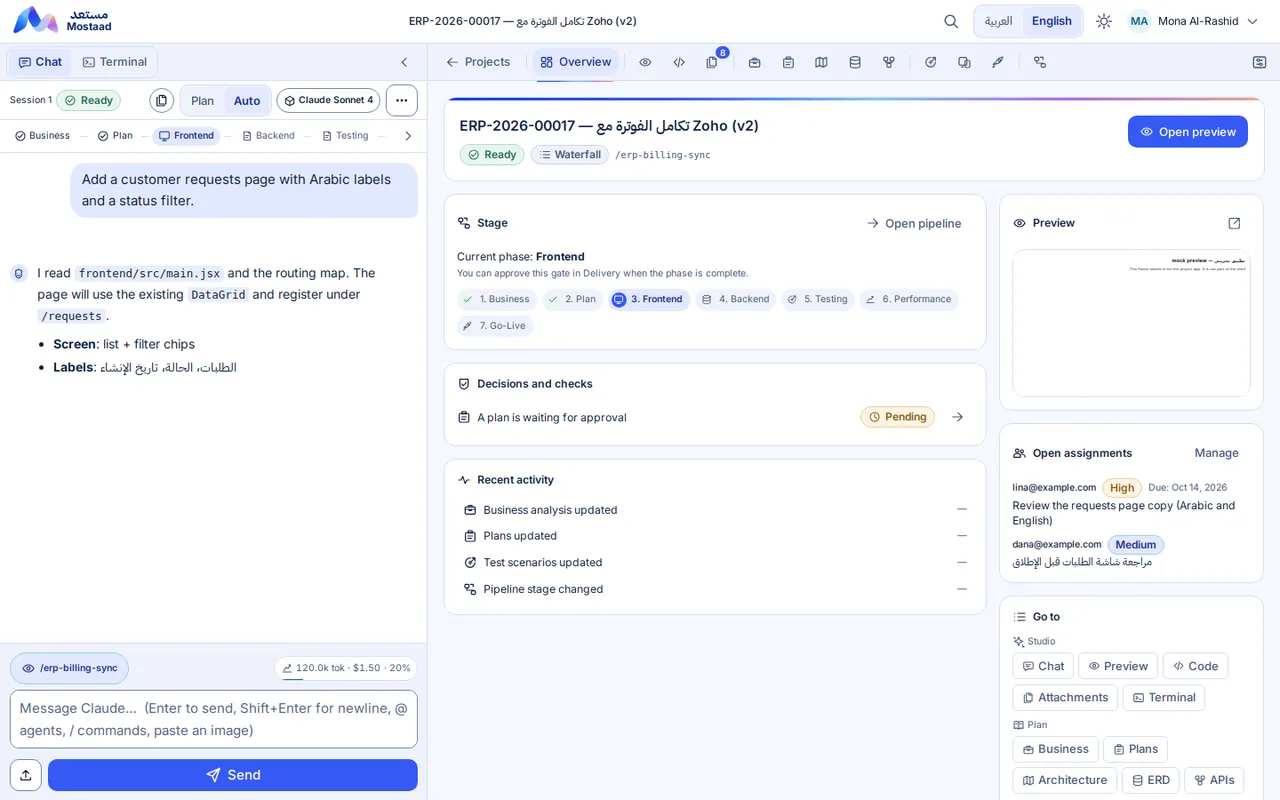
Agents build inside the project’s own application. A live preview shows the running result, and a read-only code view shows what changed.
- A live preview of the running application
- A read-only code view of what changed
- Each project is a real, installed application
- Build and terminal tools for developer and administrator roles only
06Tests, approvals and go-live
Nothing goes live on a feeling.
Scenarios become automated tests, the interface is tested in a real browser, performance is reviewed, and a readiness report checks the result against the analysis before you decide to launch.
- Test scenarios and automated UI tests
- A performance review with written findings
- A go-live readiness report
- Approval gates at every phase
07Teams, sharing and permissions
Shared on purpose, visible by role.
Projects are shared with people and groups. Each person sees and does only what their role allows, and the server checks every action again.
- Owner, collaborator and administrator access, plus developer, analyst and contributor roles
- Effective access shows what each person can actually reach
- Moving a project shows who gains or loses access before you confirm
- Analysts work on requirements, plans and the preview, without code or terminal
08Business Center
An optional path for teams that deliver to clients.
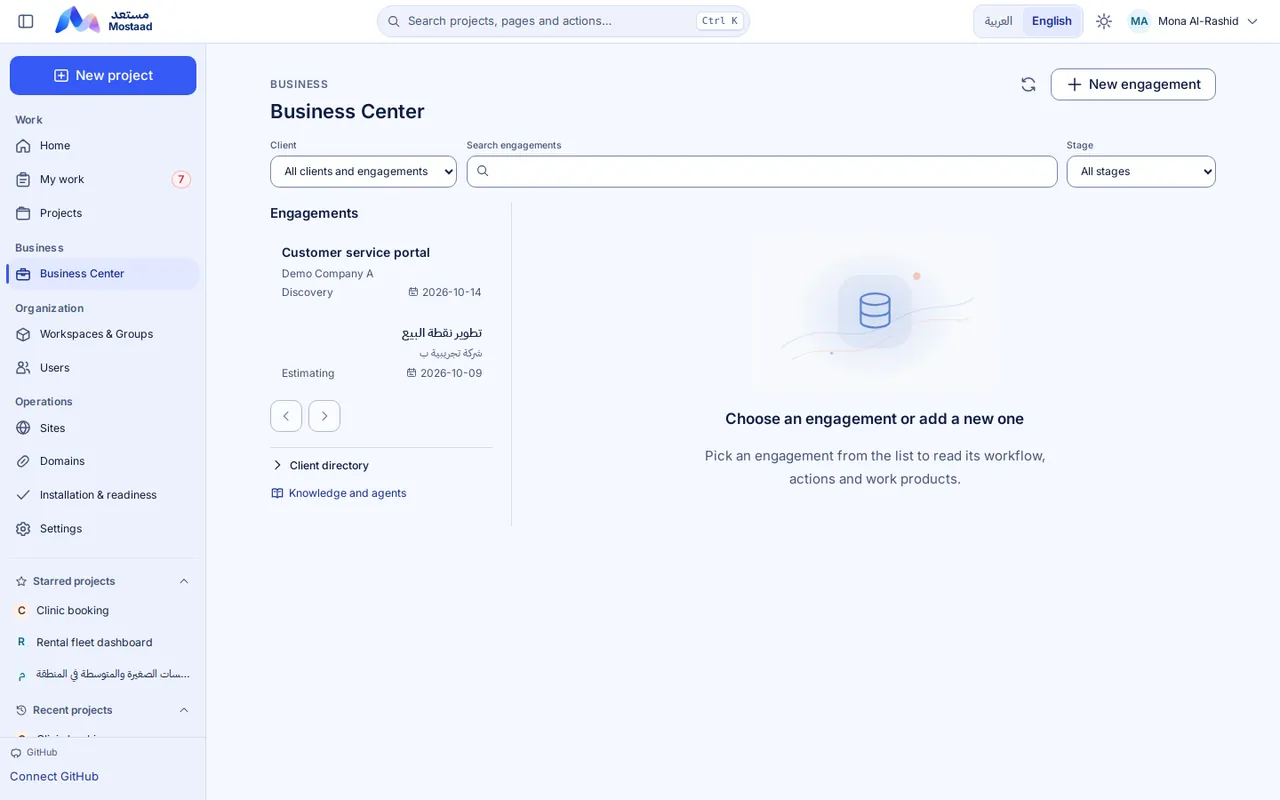
Clients, engagements and their work products live in a separate, permission-controlled area. No project needs it: internal projects start directly.
- Client and engagementAvailable now
- Analysis and requirementsAvailable now
- EstimateIn progress
- ProposalIn progress
- Handoff to a projectIn progress
- Results trackingOn the roadmap
09Arabic and English
Arabic and English, light and dark, from the first screen.
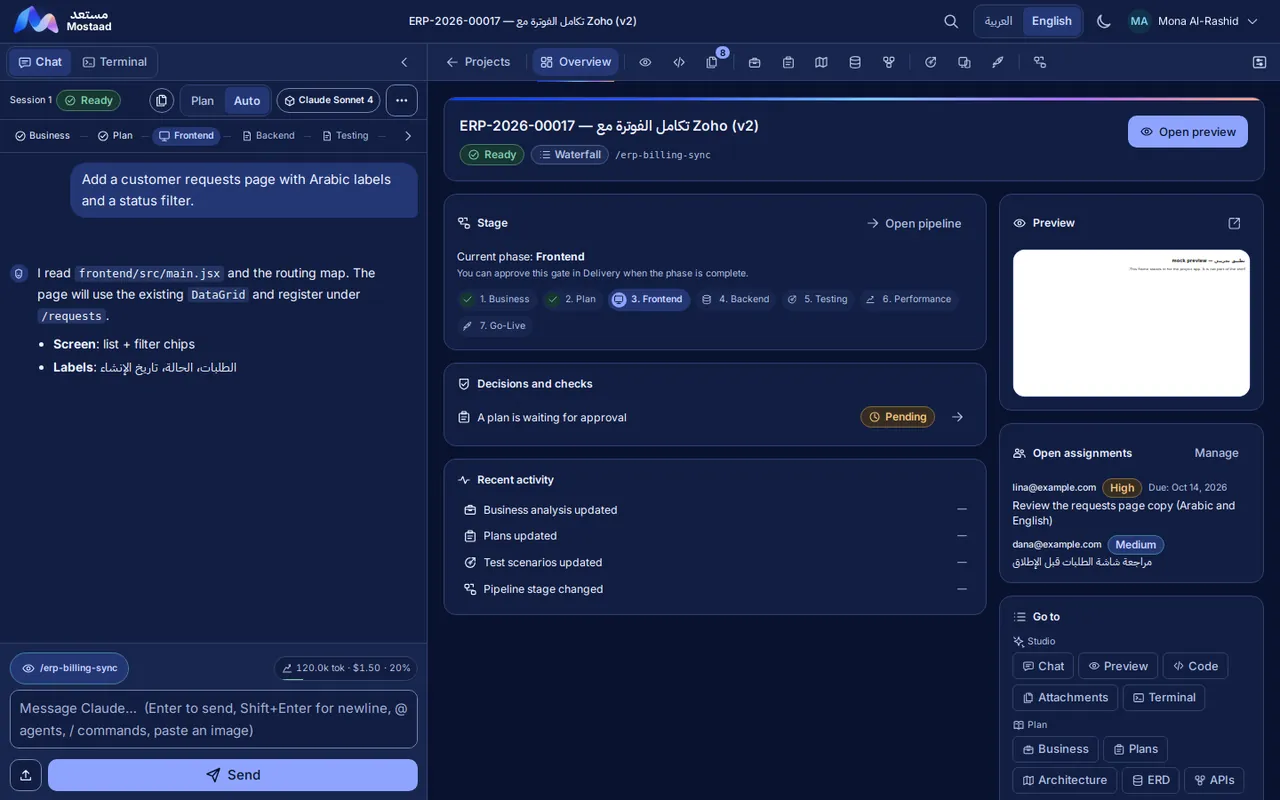
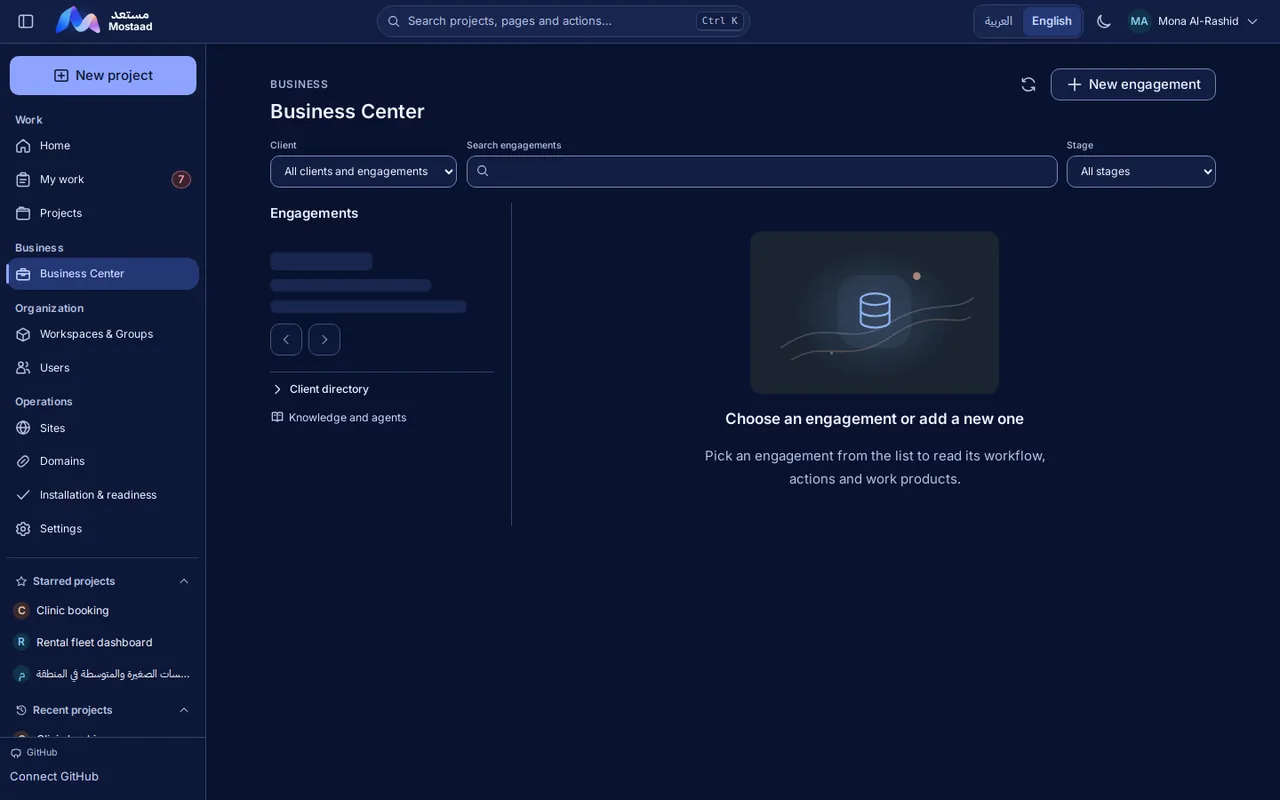
The interface follows your language and its direction, right-to-left included, and remembers your choice of a light or dark theme.
- A complete right-to-left layout for Arabic
- Light and dark themes
- Describe your needs in Arabic or English
- Switch language at any time
Where each part stands
What is available today, and what is still coming.
We label every capability. Only what is marked “Available now” is part of the platform today.
Status
- Available now
- In progress
- On the roadmap
-
Available now
Projects, spaces and folders
-
Available now
Agent conversations and specialised agents
-
Available now
Business analysis and requirements
-
Available now
Planning in phases or in epics and stories
-
Available now
Build and live preview
For developer and administrator roles.
-
Available now
Assignments and My work
-
Available now
Teams, sharing and permissions
-
Available now
Tests, approvals and go-live readiness
-
Available now
Conversation attachments
-
Available now
Arabic and English interface, light and dark
-
Available now
Business Center: clients and engagements
-
In progress
Knowledge and outputs
Analysis, plans, data model and API documents exist in each project; a single knowledge area is in progress.
-
In progress
Estimates
Effort and pricing calculators exist; an approved pricing policy is still being defined.
-
In progress
Proposals
Drafted as documents; a full technical and financial preview with a matching export is in progress.
-
In progress
Handoff to a project
An approved, filtered package can become a requirements baseline; the complete pre-project flow is being finished.
-
On the roadmap
Results tracking
Linking delivery to tasks, timesheets and invoices.
Under the hood
Built on Frappe
Mostaad is built on the open-source Frappe framework. Each project is a Frappe application with a React interface, installed on the site you choose.
A new horizon for your work starts with one step.
Request an account and tell us what you want to build. An administrator reviews new accounts before the first sign-in.
New accounts are activated after an administrator approves them.